
Edit a NetworkX graph visually and return it to Python
Part 3 of Python to workbench and back.
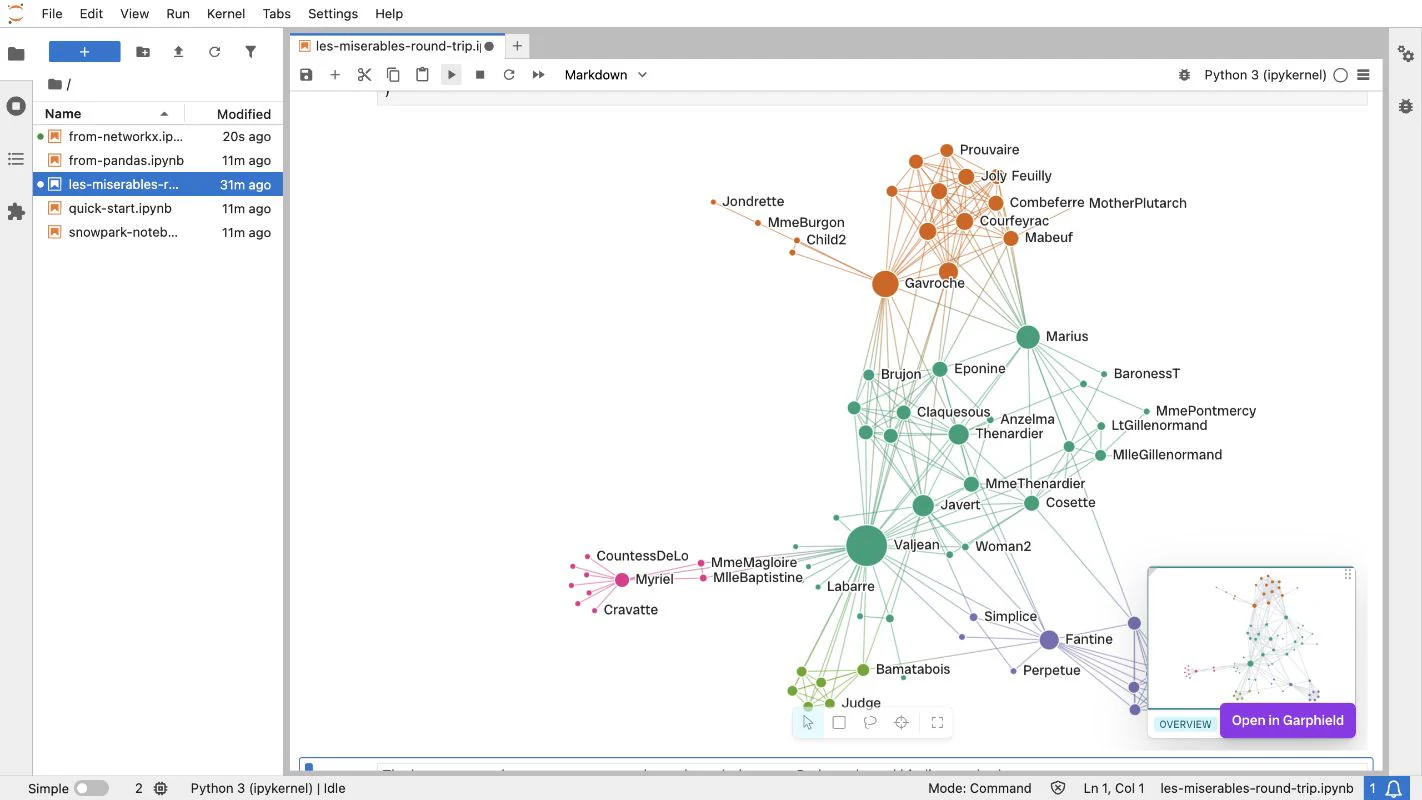
The notebook and browser share one editing handoff. Choose Open in Garphield to move the current project to the workbench; choose Return to notebook to move the edited project back.
Open the workbench
Section titled “Open the workbench”import garphield as gphimport networkx as nx
graph = nx.les_miserables_graph()view = gph.show( graph, node_size=graph.degree, node_color=nx.community.greedy_modularity_communities(graph), node_label=str, layout="force",)Choose Open in Garphield. The notebook becomes a passive view while the browser owns editing.
Return the edited project
Section titled “Return the edited project”Choose Return to notebook in the browser, then continue with the same view:
view.status# 'ready'
returned = view.to_project()returned_graph = view.to_networkx()returned.save("les-miserables-refined.gph")
Check what changed
Section titled “Check what changed”before = gph.Project.from_networkx(graph)after = view.to_project()
{ "same_graph": before.semantic_fingerprint() == after.semantic_fingerprint(), "same_workspace": before.project_fingerprint() == after.project_fingerprint(),}# {'same_graph': True, 'same_workspace': False}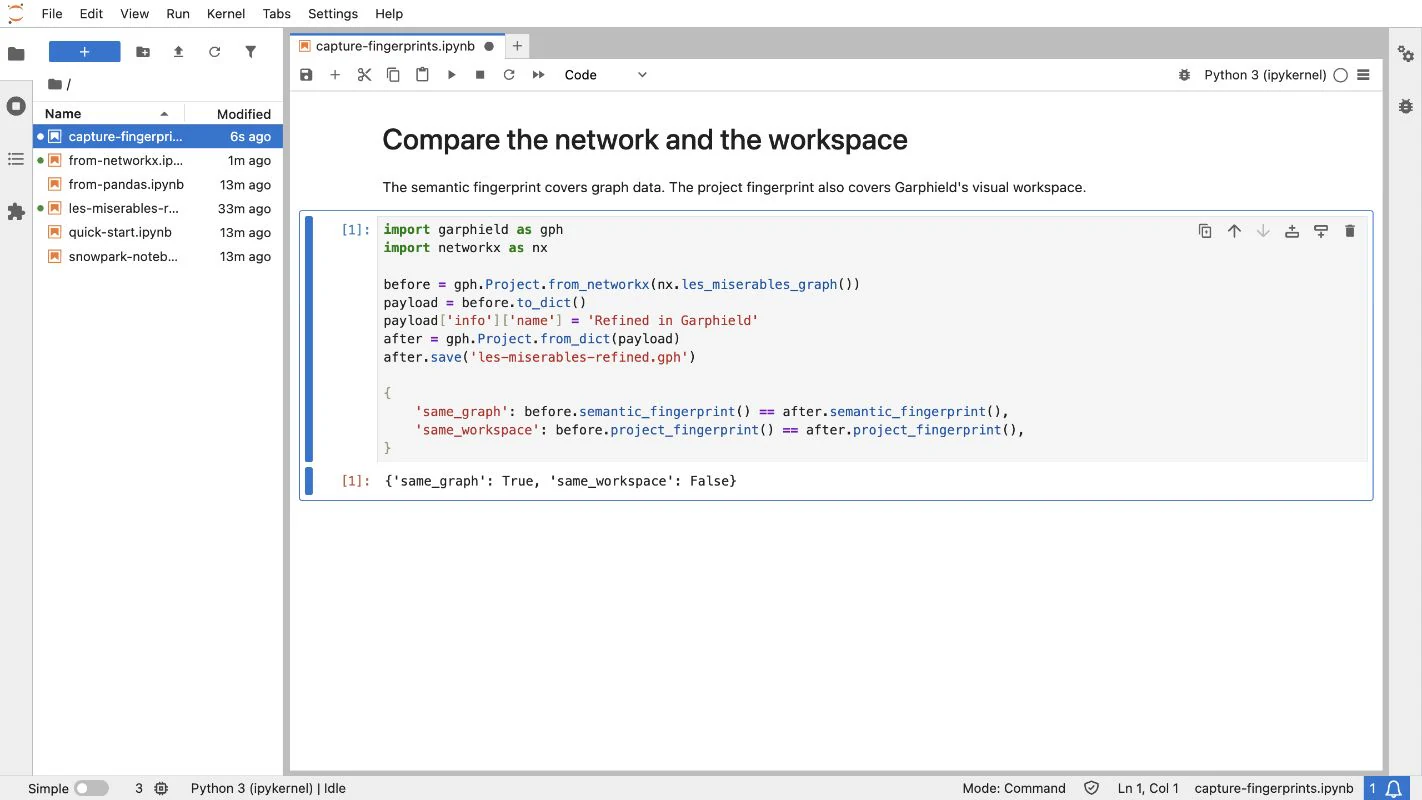
The semantic fingerprint covers graph data. The project fingerprint also covers the view, history, sets, and story.