

Audit and present
Audit the network
Section titled “Audit the network”Open Audit for graph summaries and accessibility checks. Compare visual patterns with the structural statistics before presenting them as findings.
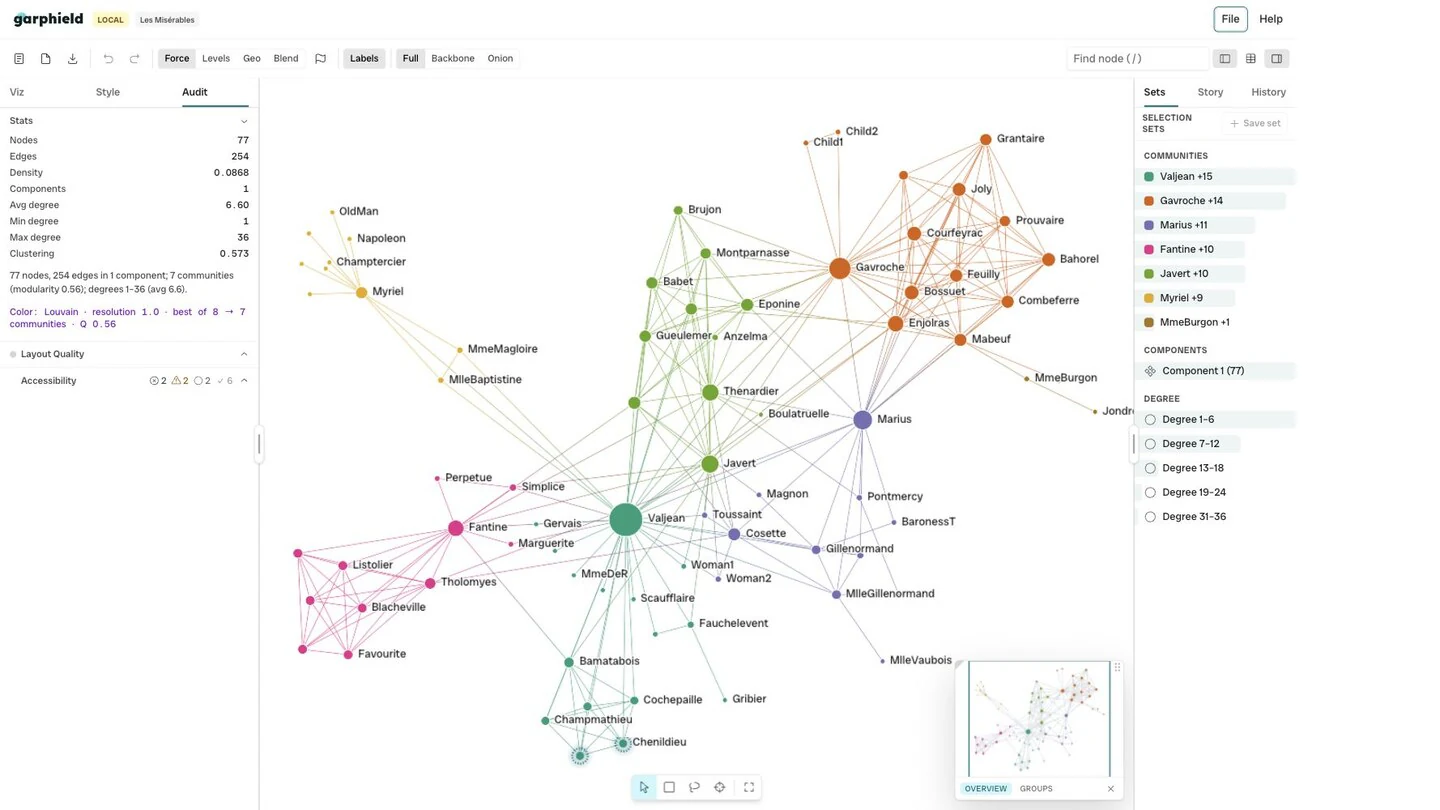
- Audit panel
The accessibility audit flags colour-only encoding, missing text alternatives, motion, and reproducibility issues. Pair it with keyboard and screen-reader testing for a published result.
Add annotations
Section titled “Add annotations”Select nodes and choose the annotation action from the selection toolbar. The annotation stays with its saved set in the project.
Build a story
Section titled “Build a story”Open Story and capture the current view. A step can retain the camera, selection, bindings, filters, annotations, and panel state. Add titles, reorder steps, and play the sequence from the canvas.
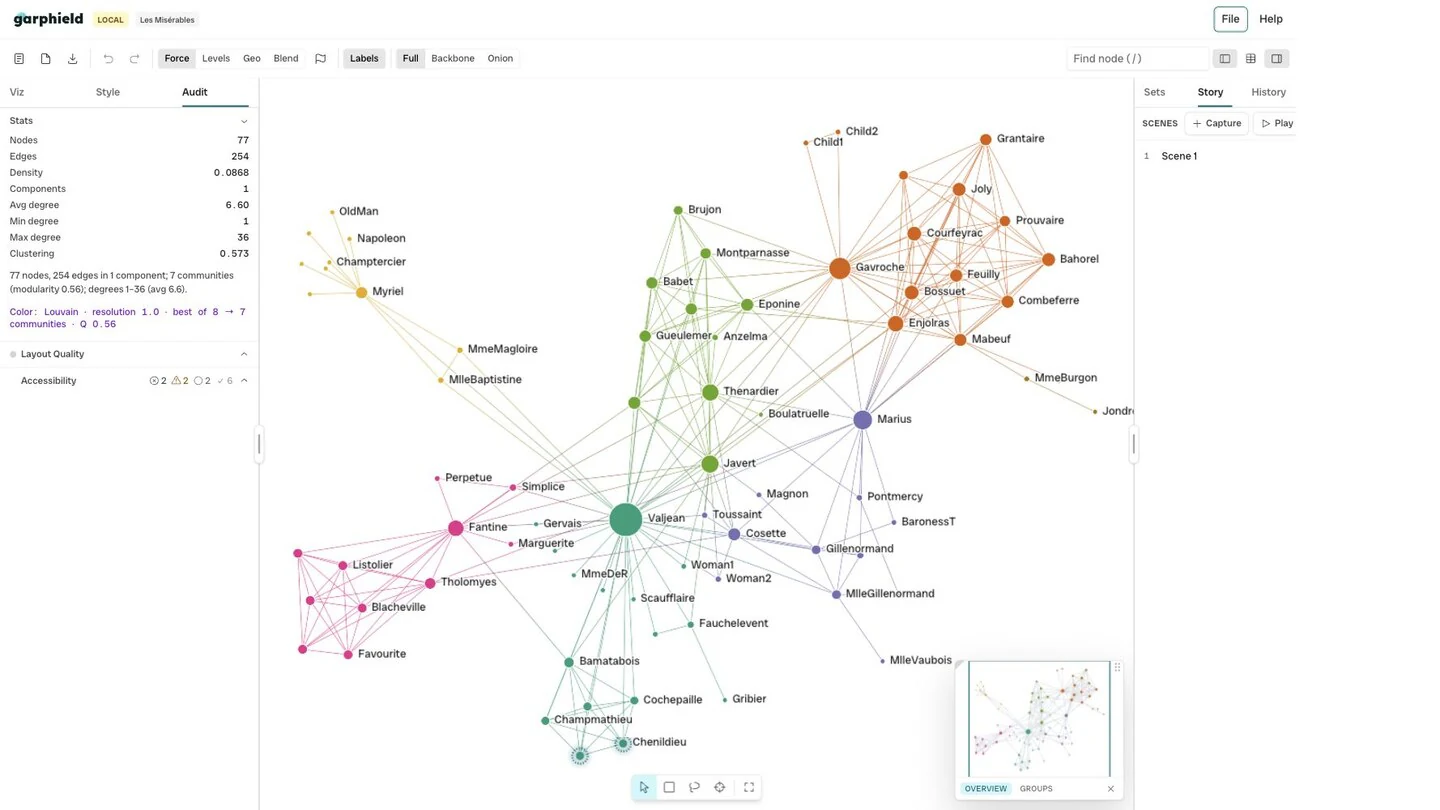
- Story panel
- Captured step
Save a .gph project to keep the editable story. Export a PNG for a static
figure. See Save, share, and export.