

Save, share, and export
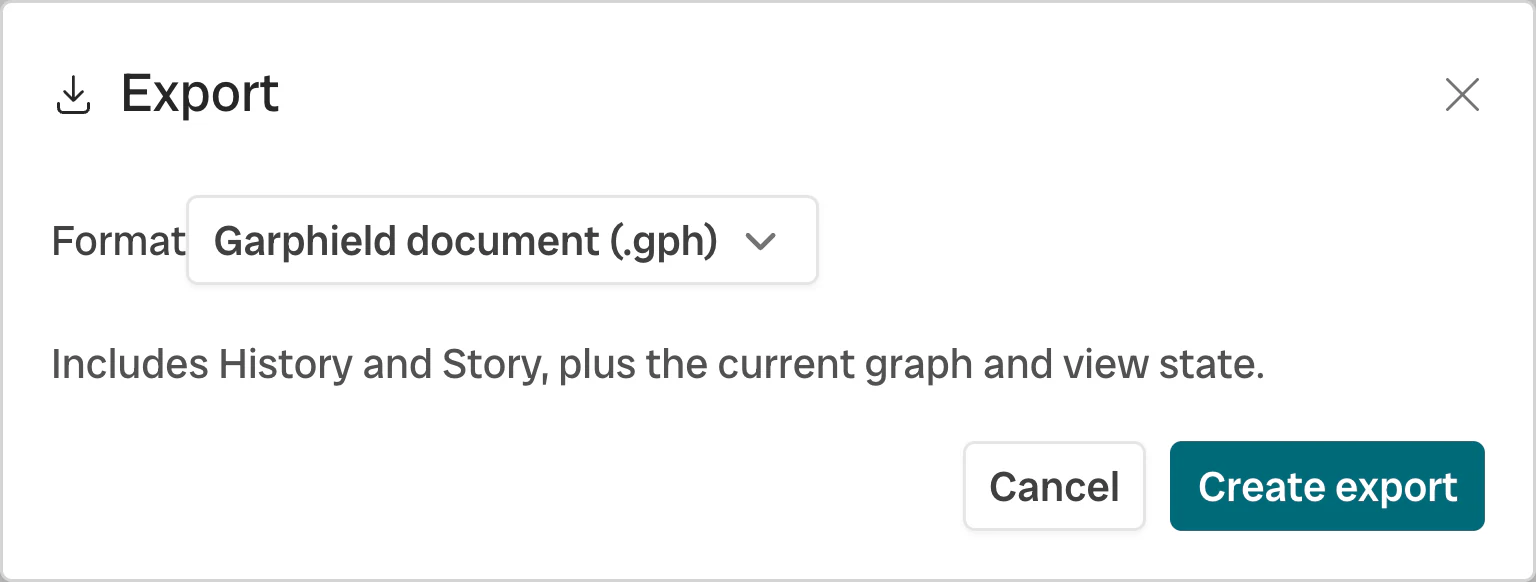
- Format
- Export
Save a project
Section titled “Save a project”Choose File → Save project or press ⌘ S. A .gph project stores
the network, positions, bindings, filters, history, sets, annotations, and Story.
Share a URL
Section titled “Share a URL”For bundled networks and public URL-backed data, copy the Garphield URL to share the layout, bindings, filters, selection, camera, annotations, and panel state. The selected node surface style is included, so Flat, Lumen, Sphere, Prism, or Sketchy reopens with the same appearance.
Python and R can also encode a complete project into an offline #p= URL:
url = gph.share_url(project)This link carries the graph and Garphield project state without uploading it.
When saved positions are present, Garphield preserves them. Otherwise the
workbench runs its normal selected layout after the link opens. Inline project
links are limited to 262,144 characters; larger projects must currently travel
as .gph files. Current z2. links replace repeated node IDs in link endpoints
with compact indices before zlib compression; Garphield still reads existing
z1. links.
Export network data
Section titled “Export network data”Choose File → Export for GEXF, GraphML, GML, or NetworkX-compatible
node-link JSON. Use GEXF to continue in Gephi. Use .gph to retain the full
Garphield workspace.
Export an image
Section titled “Export an image”Export to PNG to capture the current Garphield view.
| Artifact | Carries | Suitable for |
|---|---|---|
.gph project |
Network and Garphield workspace | Continuing in Garphield, Python, or R |
| View-state Garphield URL | Supported browser view state | Sharing the same presentation for public or bundled data |
Offline #p= project URL |
Complete project within the inline size limit | Sharing without a file host |
| GEXF, GraphML, GML, node-link JSON | Portable network data and attributes | Importing into Gephi or another analysis tool |
| PNG | Current Garphield view | Reports, papers, and slides |
See Project model for the contents of each artifact.